Document Control

Paperless Work Instructions

Create, control, and distribute electronic work instructions from any browser. Built-in HTML5 editor, version control, and training acknowledgment - all without printing a single page.

Always Current, Always Accessible

Paper work instructions get outdated the moment you print them. NS-OWI ensures operators always see the latest version - instantly updated, revision controlled, and accessible from any workstation on the factory floor.

  • Create work instructions with built-in HTML5 editor
  • Automatic version control with full revision history
  • Training acknowledgment tracking built-in
  • Link to ERP routings and BOM data
  • Issue escalation to engineering team
WI-2024-0152 Rev C
SMT Assembly - Component Placement Procedure
Last updated: 2 days ago • 156 views this month
PublishedTraining Required

Complete Document Control

HTML5 Web Editor

Create rich work instructions with images, videos, tables, and formatted text - all in your browser.

Version Control

Automatic revision tracking with full history. Roll back to any previous version instantly.

Document Approval

Workflow for draft, review, approval, and publishing. Control who can edit and approve.

Training Records

Track who has read and acknowledged each work instruction. Automated retraining reminders.

ERP Integration

Link work instructions to ERP routings and BOM. Navigate from product to instructions seamlessly.

Issue Escalation

Operators can flag issues directly from the work instruction. Alerts sent to engineering team.

Ready-Made for Electronics Manufacturing

Pre-built templates covering the complete production process.

ERP Routings Link

BOM Integration

Quality Alerts

Incoming Inspection

Kitting & Prepping

Labelling

SMT & AOI

Hand Soldering

Washing

Depanelling

ICT & FCT Testing

Rework

Coating & Potting

Final Assembly

Final QC

Packing

Product Screenshots

Click any image to enlarge
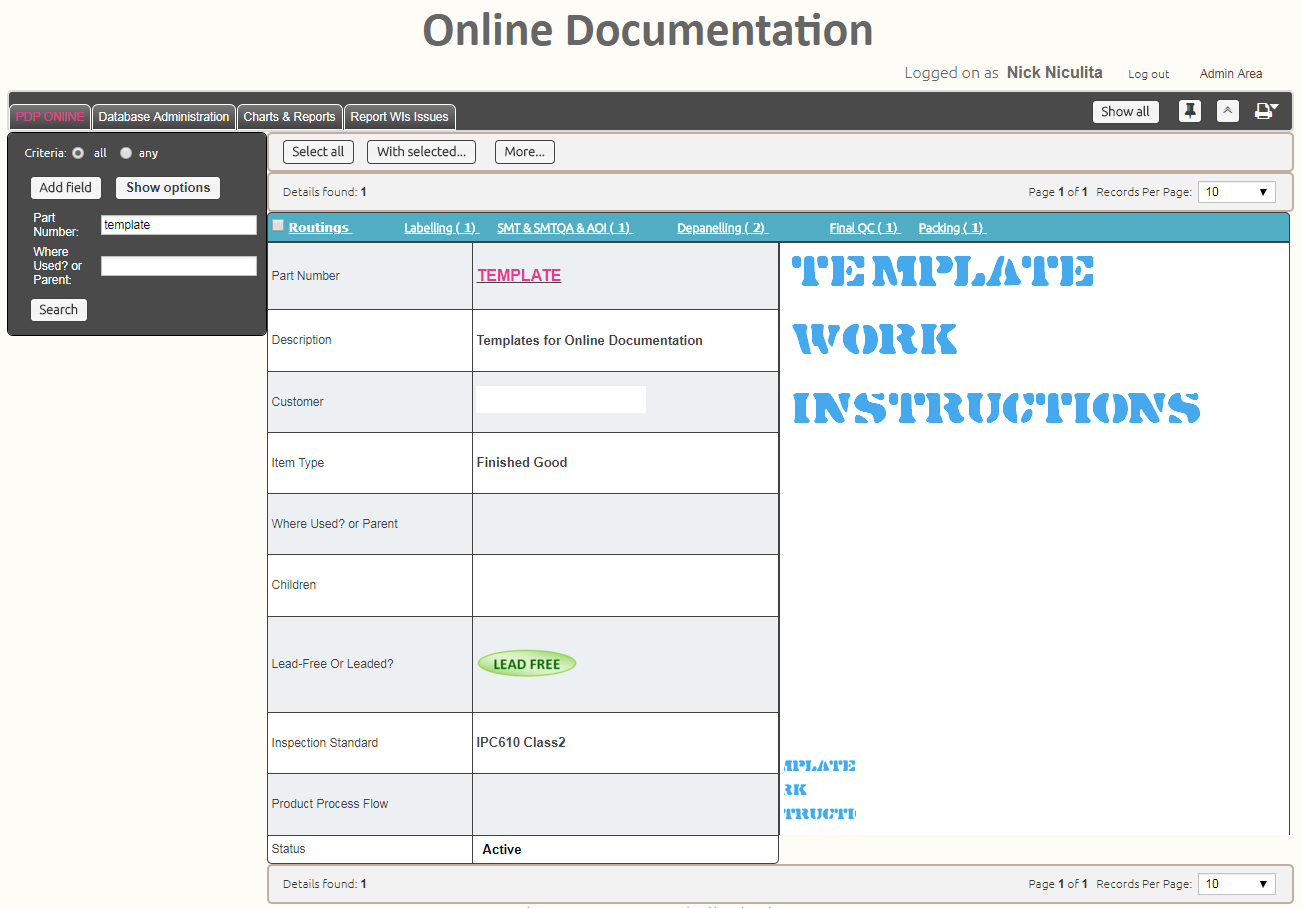
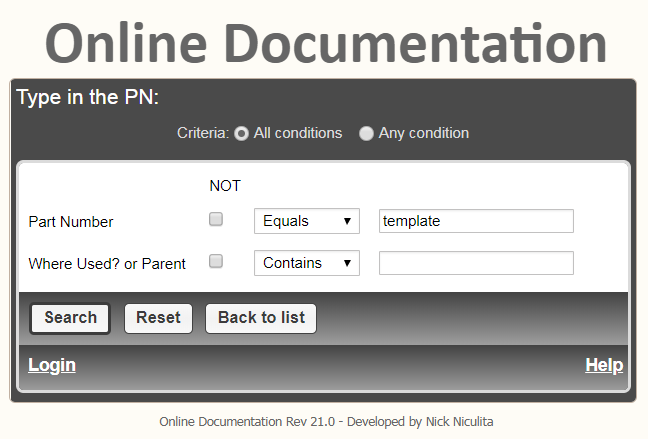
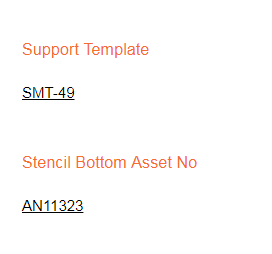
NS-OWI Template
Work Instruction Template
NS-OWI Search
Search Work Instructions
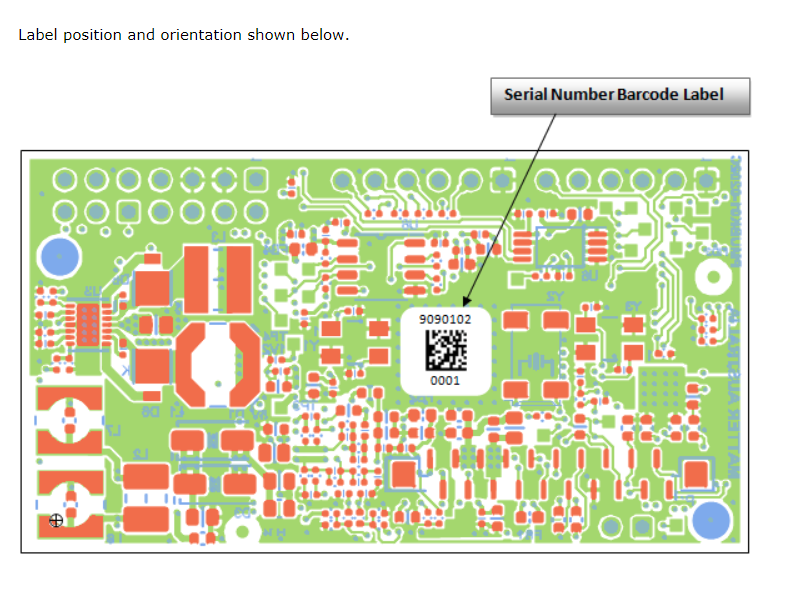
NS-OWI Labelling
Labelling Work Instruction
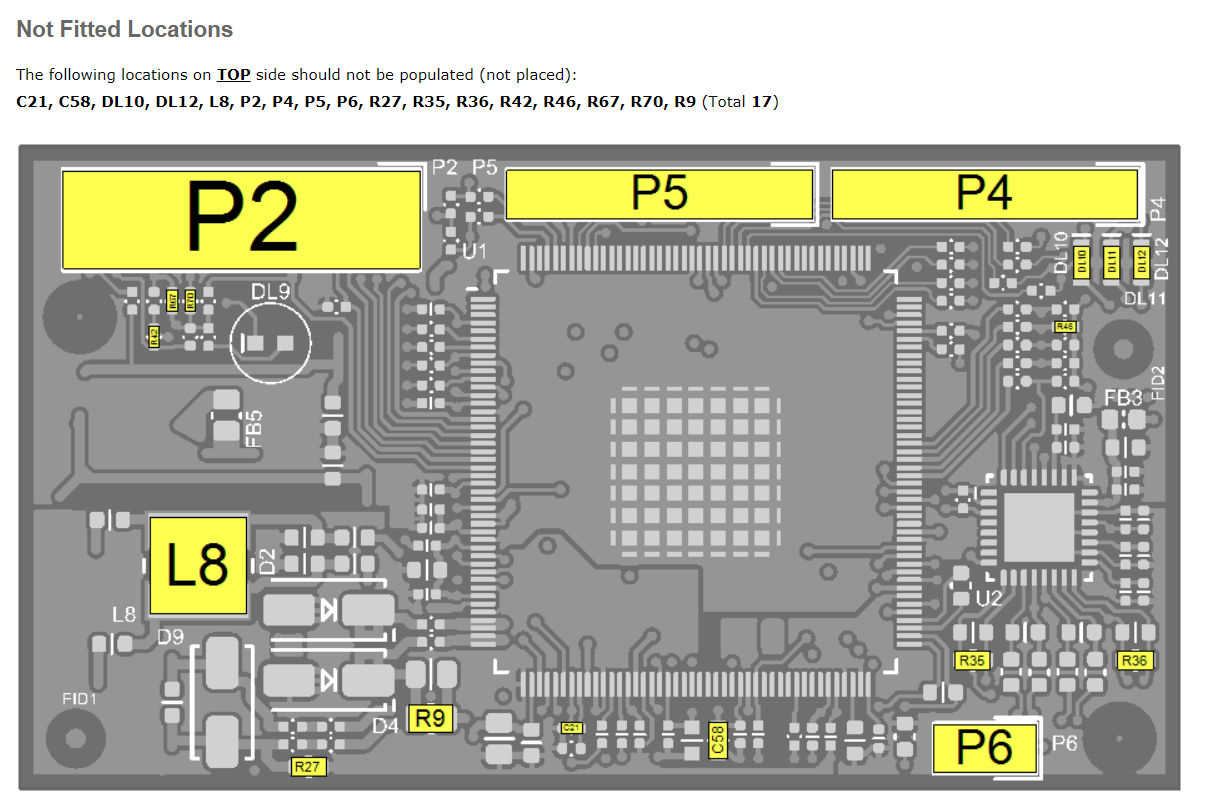
NS-OWI FQC
FQC - Not Fitted Components
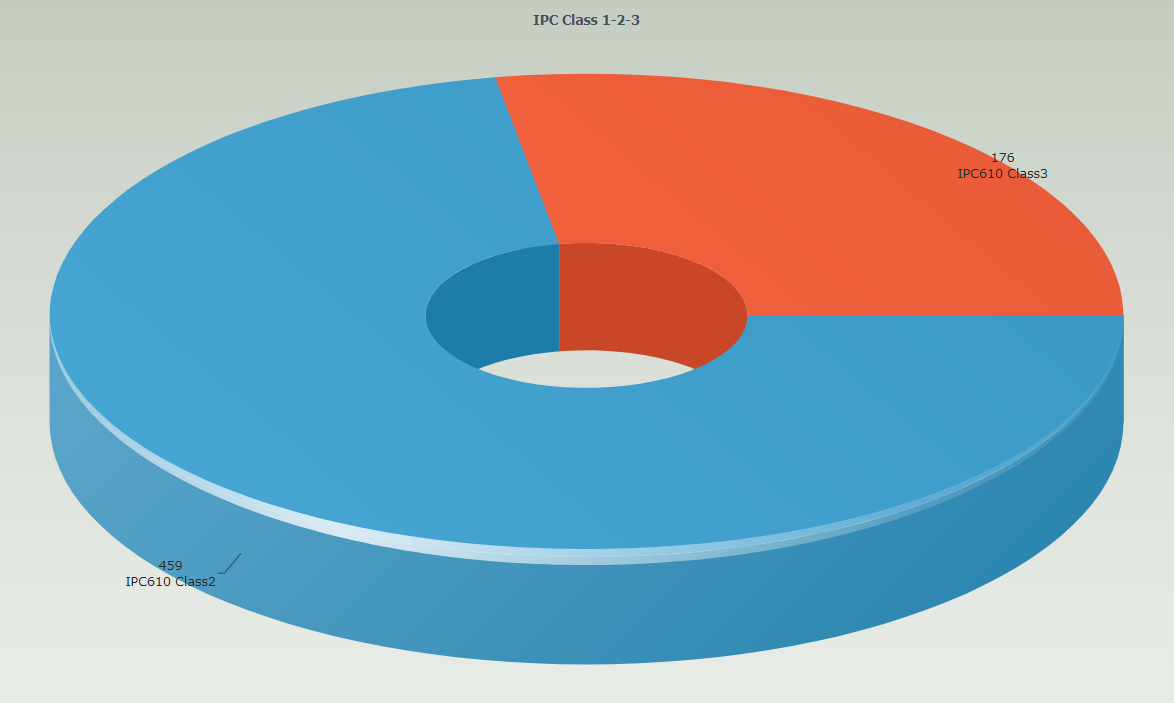
NS-OWI IPC Class
IPC Class Chart
NS-OWI Tooling Link
Link to Tooling Register
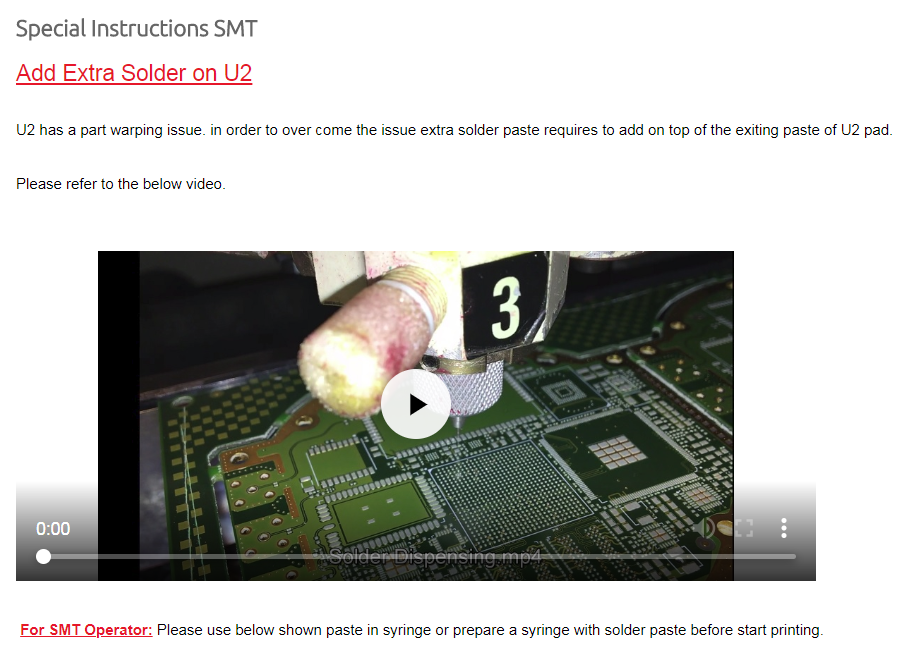
NS-OWI Video
Embed Videos in OWI
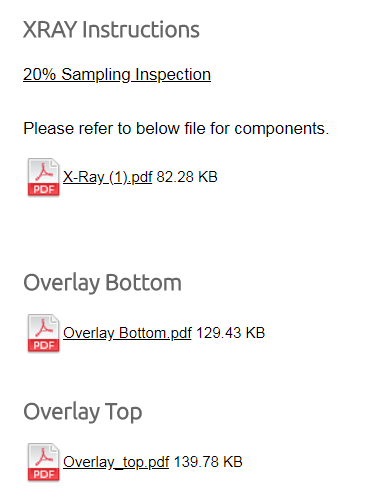
NS-OWI Uploads
Upload Files to OWI
NS-OWI Dashboard
Dashboard Navigation

From Draft to Factory Floor

1

Create

Author work instruction using HTML5 editor with images and videos

2

Review

Submit for approval through workflow with comments and feedback

3

Publish

Approved document goes live instantly across all workstations

4

Train

Operators acknowledge and training records are automatically updated

Paper vs Digital Work Instructions

Paper-Based

  • Documents become outdated the moment you print
  • Printing, distributing, and collecting old copies takes time
  • Operators may use wrong revision without knowing
  • No tracking of who has read the document
  • Paper gets damaged, lost, or hard to read
  • Storage and filing consumes physical space
  • Changes require reprinting entire document

NS-OWI Digital

  • Updates published instantly to all workstations
  • Zero printing, zero distribution time
  • Operators always see current approved version
  • Complete audit trail of who read what and when
  • Documents remain pristine, searchable, and accessible
  • No physical storage required
  • Edit and republish in minutes

Go Paperless on the Factory Floor

Eliminate printing costs, ensure operators always have current documents, and build a complete training audit trail.

FAQ: Digital Work Instructions

What are digital work instructions?

Digital work instructions are electronic procedures operators follow on the shop floor. They replace paper with controlled, searchable, always-current instructions.

How do you control revisions and approvals?

Instructions are managed with revision history and approvals so you can prove what changed, when it changed, and who approved it.

Can operators acknowledge they read the latest version?

Yes. Operator acknowledgement provides traceability that the correct version was issued and understood.

Can you include images and HTML content?

Yes. Instructions can include text, images and structured HTML content to make steps clearer and reduce errors.

Does it help reduce defects and rework?

Yes. Consistent, up-to-date instructions reduce variation and help catch process mistakes earlier.

Is it web-based?

Yes. It’s browser-based so instructions can be accessed on the shop floor without installing software on every workstation.